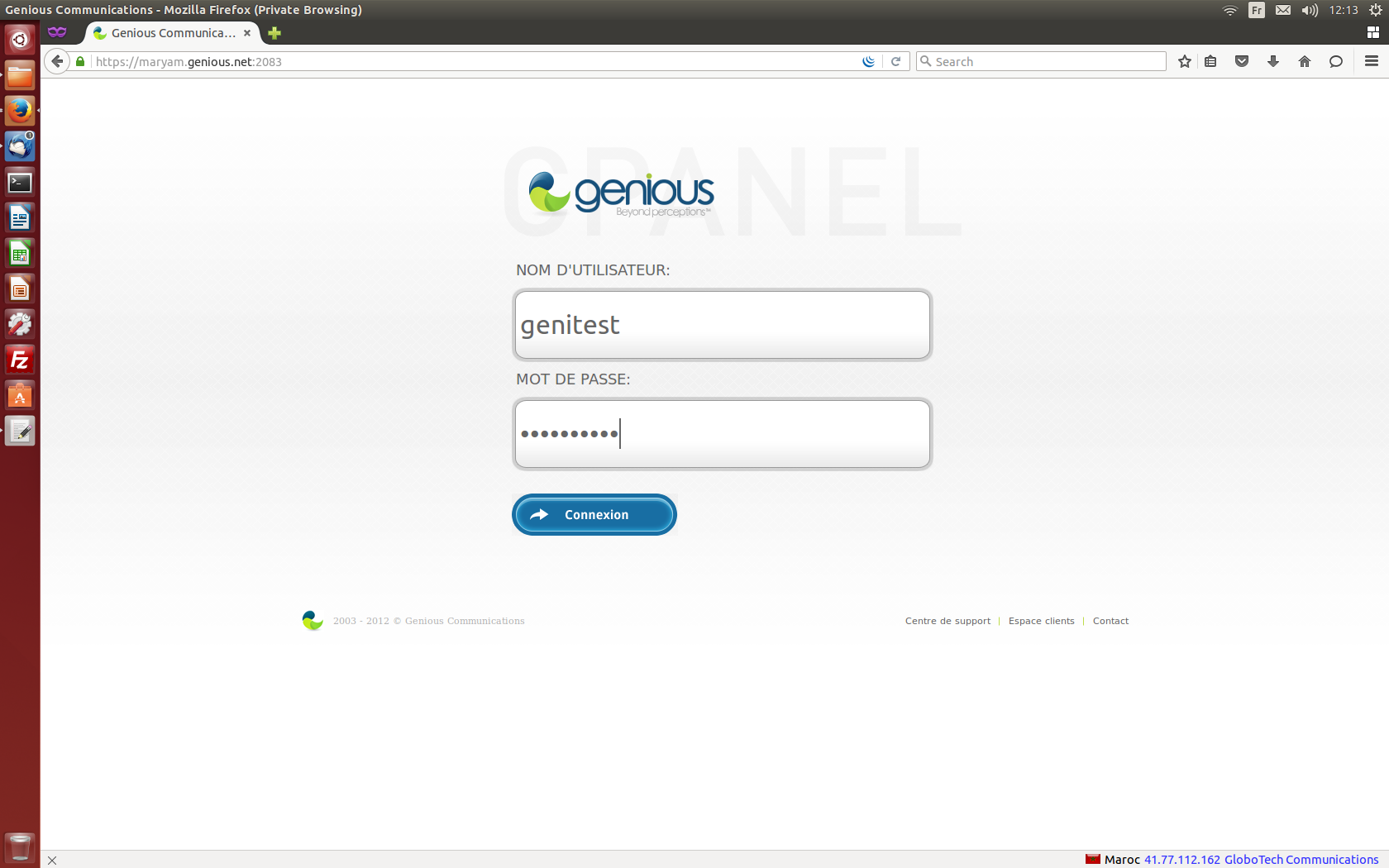
- Connect to your cPanel Interface “http: //www.yourdomainname.ext/cpanel”
- Go to the "FILES" section, then click on "Backup Wizard" or Assistant de sauvegarde

- Click on the "Backup" button to start the wizard.

- Choose the type of backup you want to perform. (ex: full backup)

- Define the destination where you want to save your backup, and enter the e-mail address intended to receive the notification once the operation is complete.

- Download the backup by clicking on the displayed link.
