- Connect to your cPanel ``http: //www.yourdomainname.ext/cpanel”

- Go to the "E-mail" section, and click on "automatic replies" or réponses automatiques
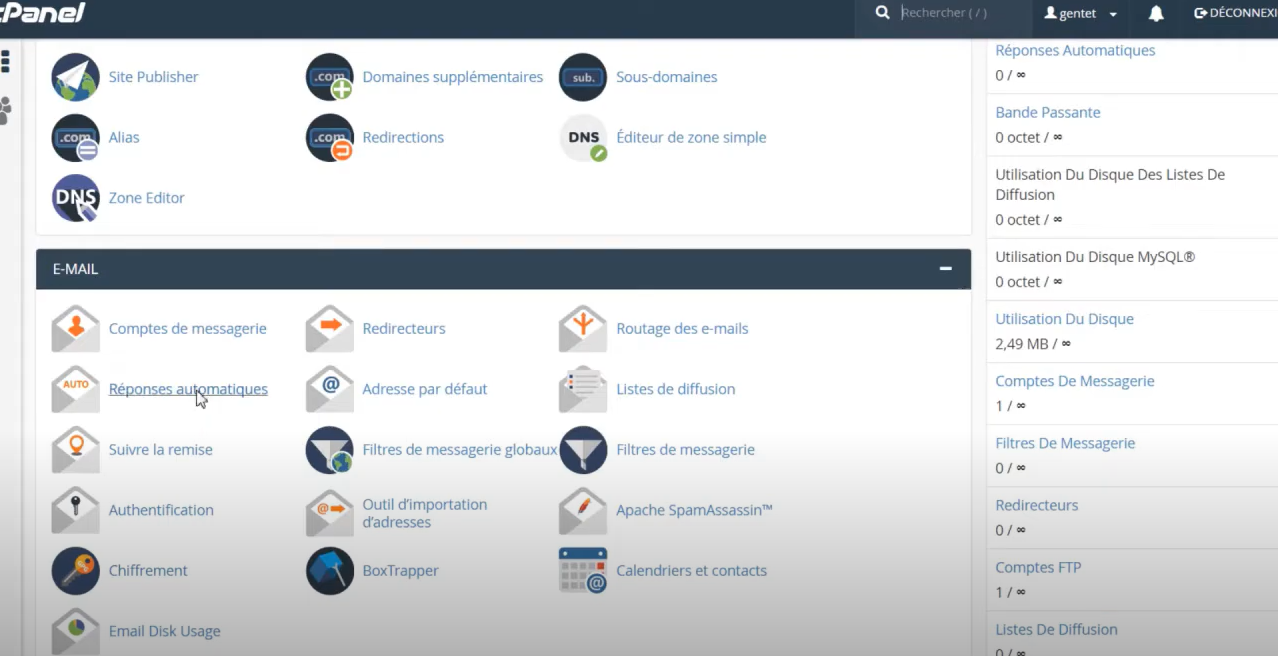
- Click on "Add an automatic reply" or Ajouter une réponse automatique

- Enter the necessary information to complete the form and click on "Create / Modify" or Créer/Modifier
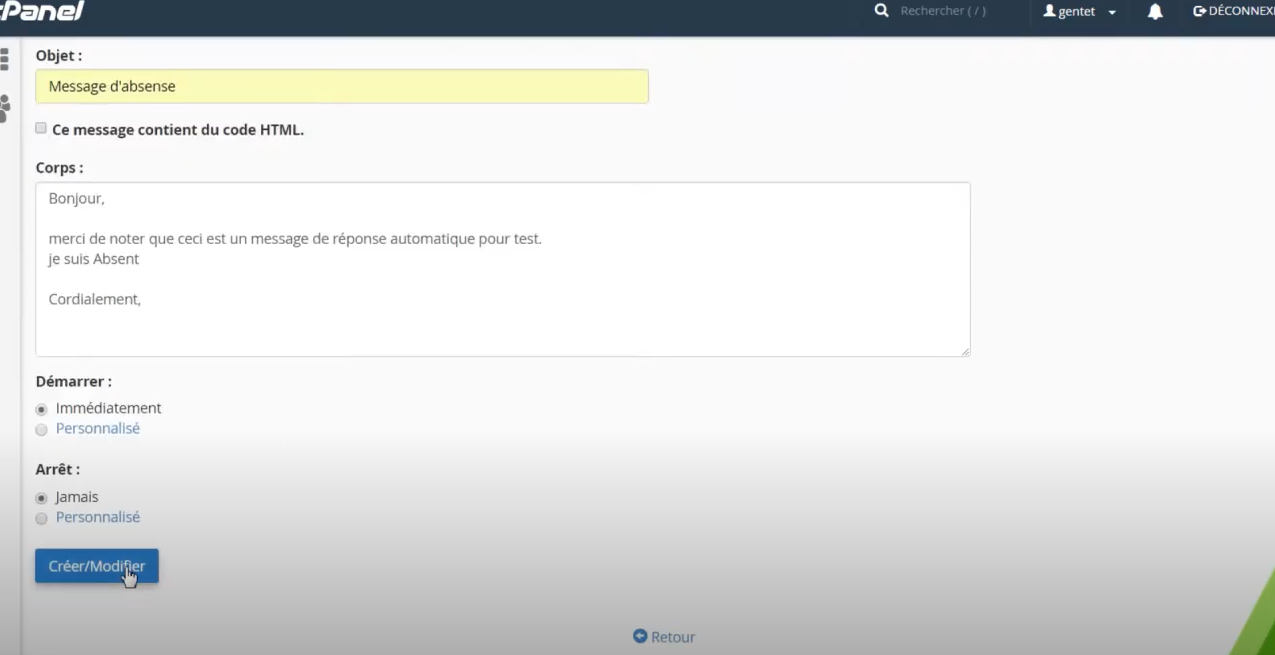
- Congratulations! You have just created an automatic reply to your emails!
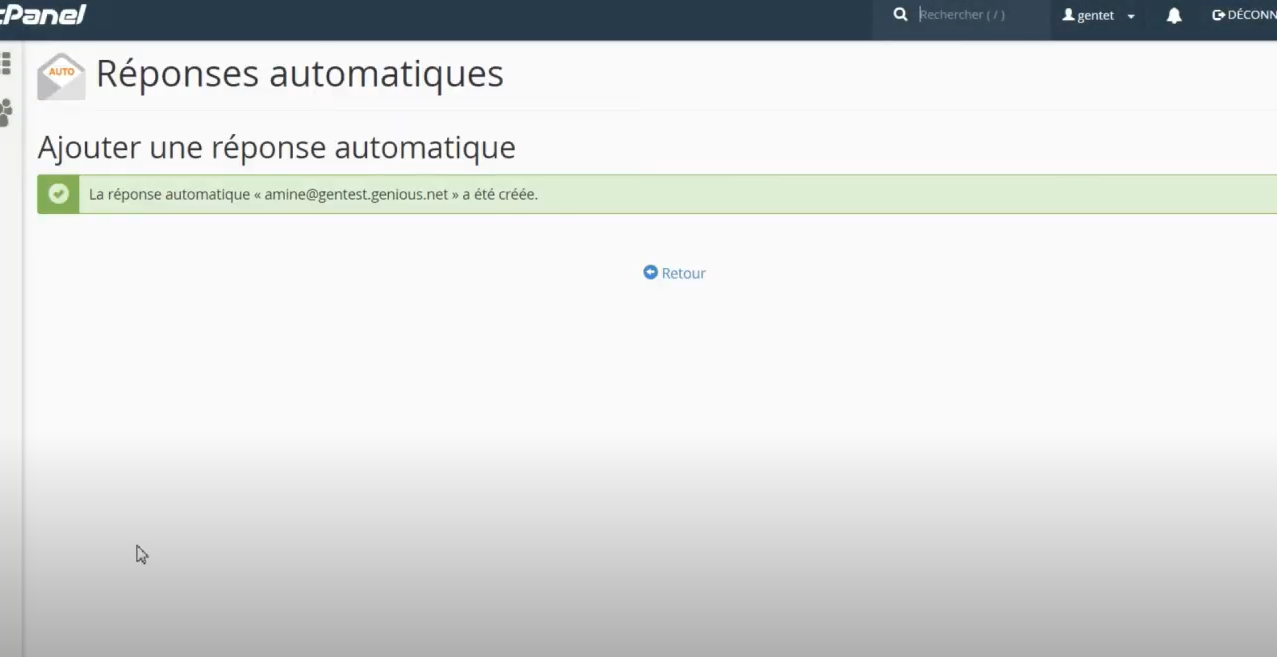
P.S: To delete an automatic response, all you have to do is come back to the same tool!
