- Connect to your WebHostManager “http: //www.yourdomainname.ext/whm”

- Use the "create a New Account" tool under the "Account Functions" section.
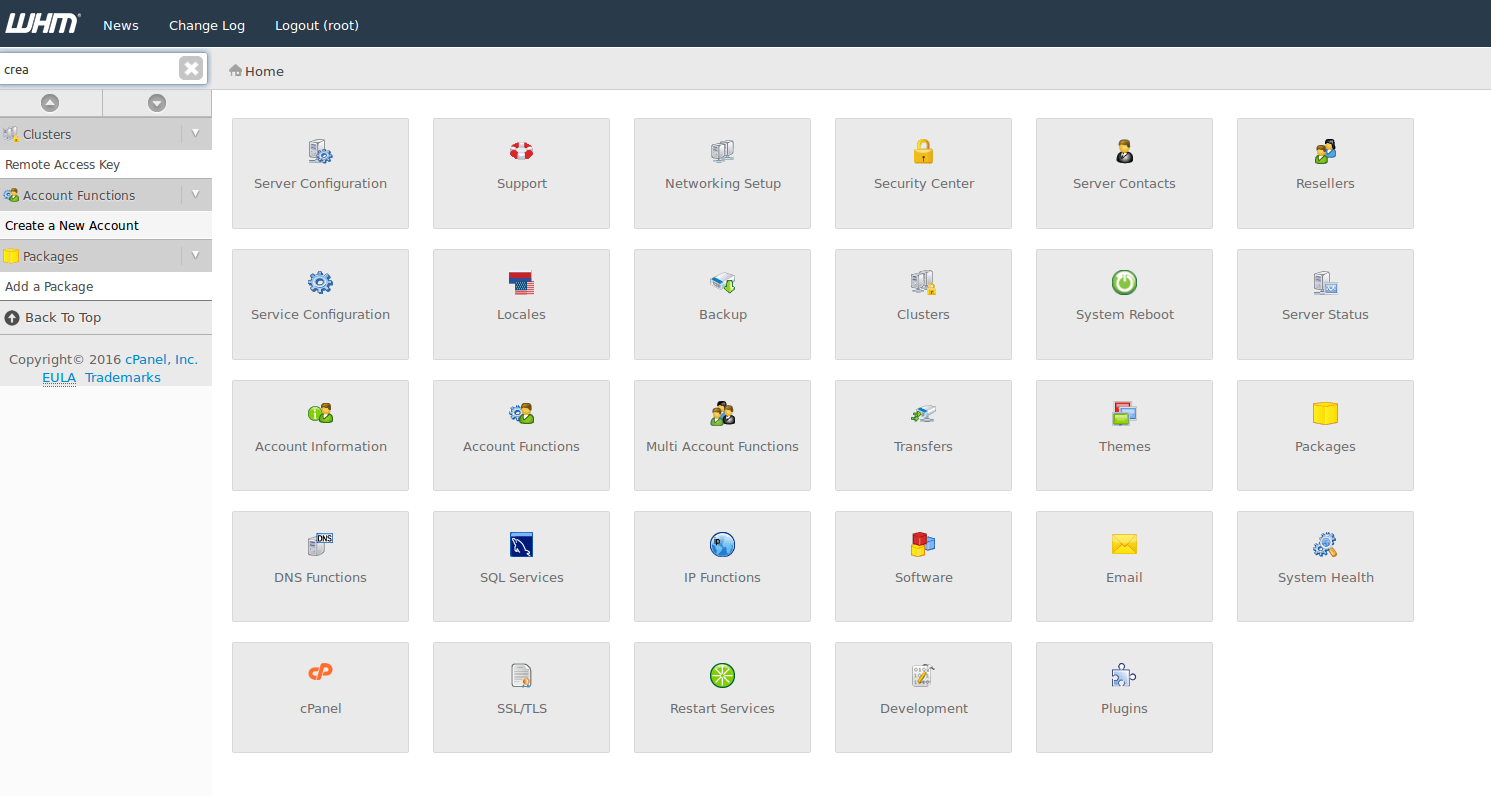
- Enter the information needed to complete the form (note that you can customize the options /account limits by checking "Select Options Manually")

- Click on the "Create" button to validate.

- Congratulations, you can connect to the cPanel account created via the link "http: //www.yourdomainname.ext/cpanel"
