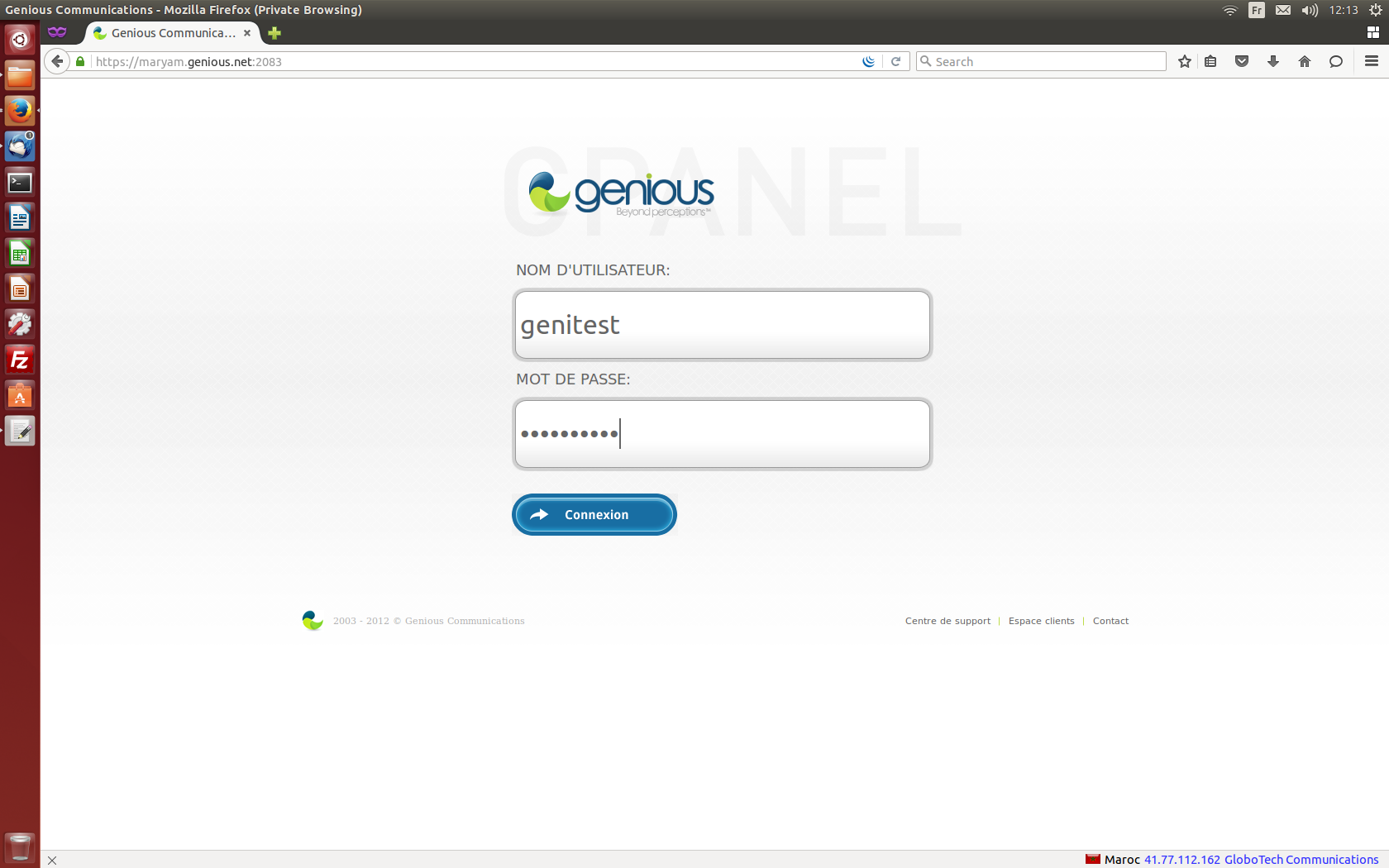
- Connect to your cPanel Interface “http: //www.yourdomainname.ext/cpanel”
- Go to the "EMAIL" section, then click on "Mail accounts"

- Fill in the fields on the "Add an email account" form, and click on "Create an account"

- Go to the webmail interface "http: //www.yourdomainname.ext/webmail", enter the email address and the password used during creation, then click on "Connection"

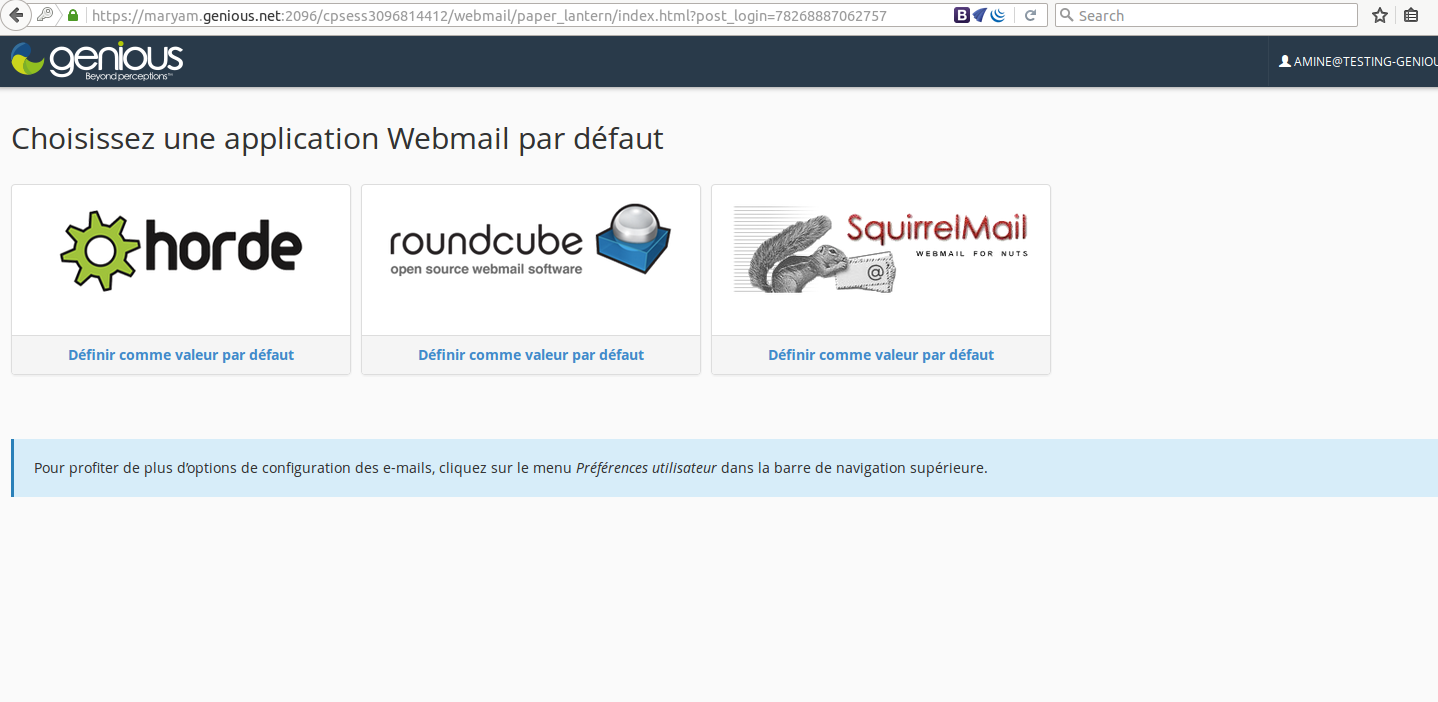
- Choose the WebMail application you want to use.