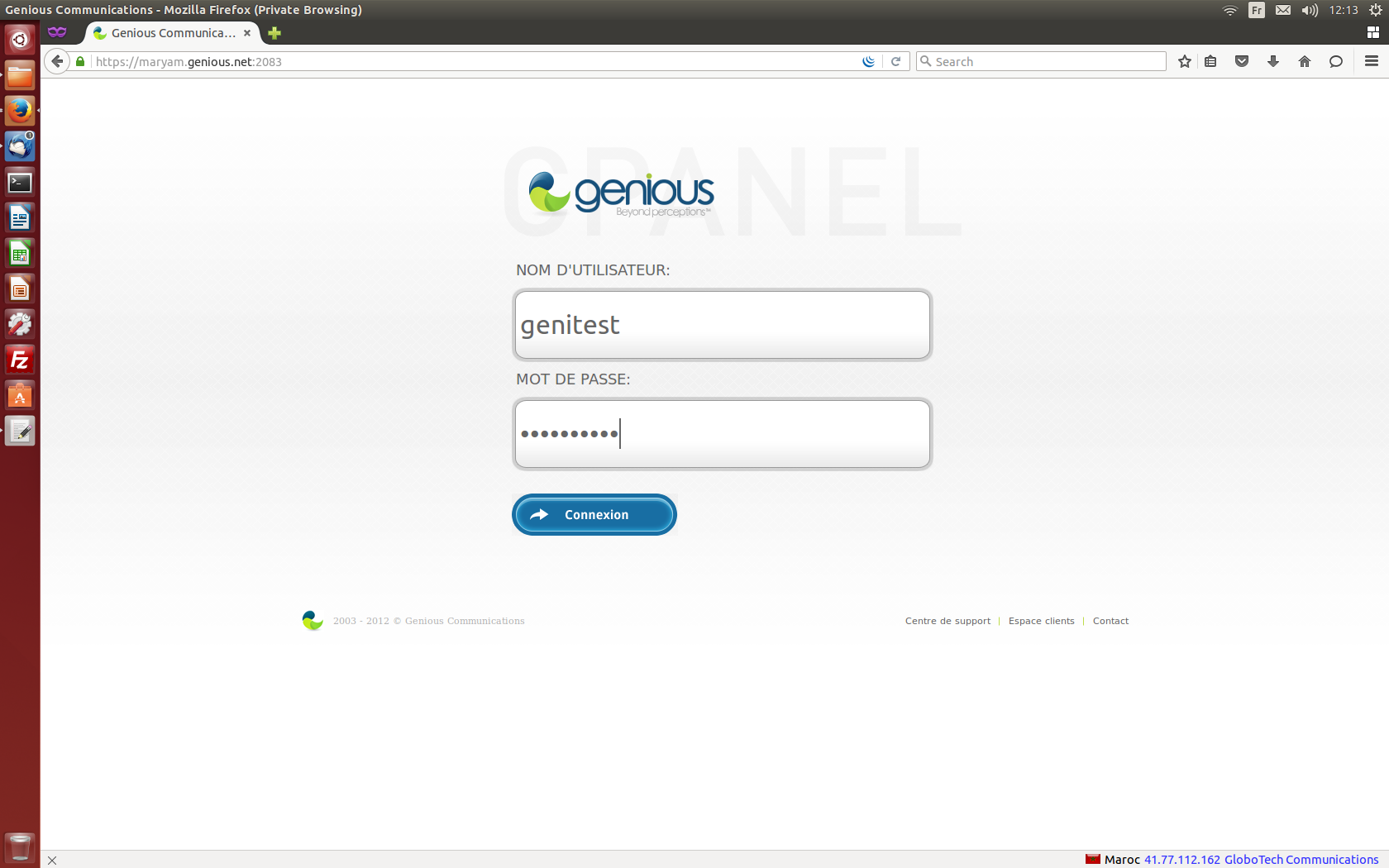
- Connect to your cPanel Interface “http: //www.yourdomainname.ext/cpanel”
- Go to the "Domains" section and click on "Zone Editor"

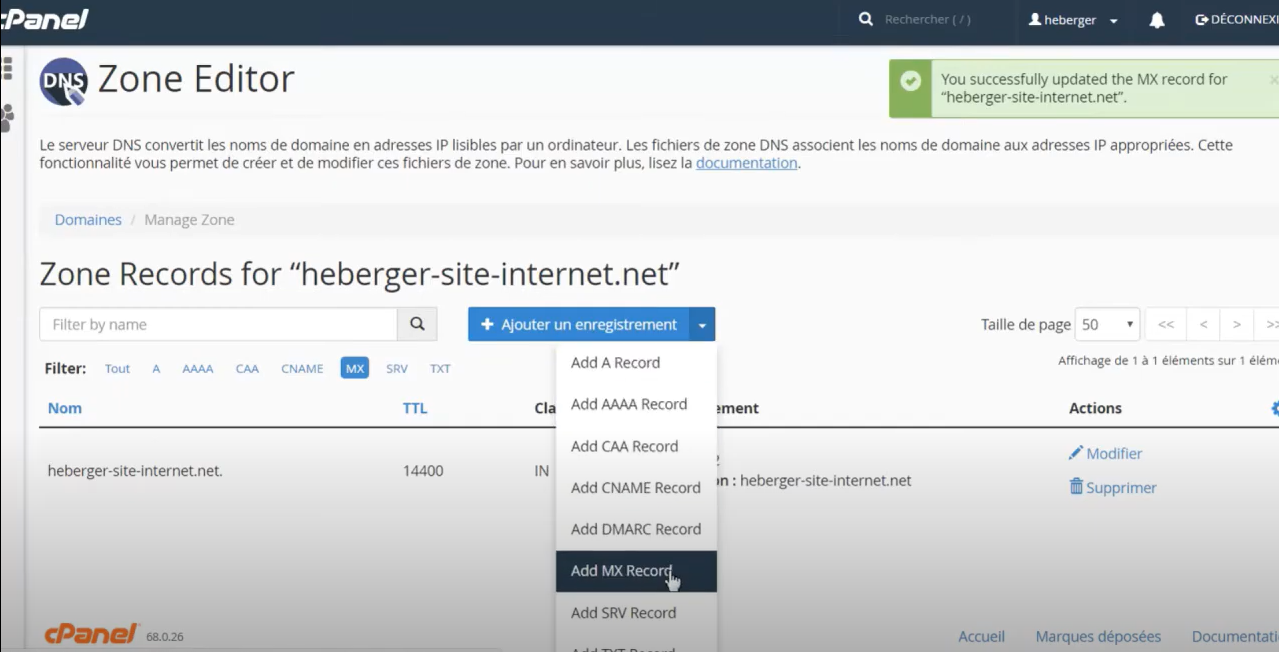
- Click on the "Manage" option on the table and select "MX"

- Click on "Modify" on the line of the MX to modify.

- Update the values in question and validate by clicking on the "Save record" button.

- To add an additional MX entry, fill in the fields of the "Add a new record" form, and click on the "Add MX Record" button.

- Check that all MX entries are saved