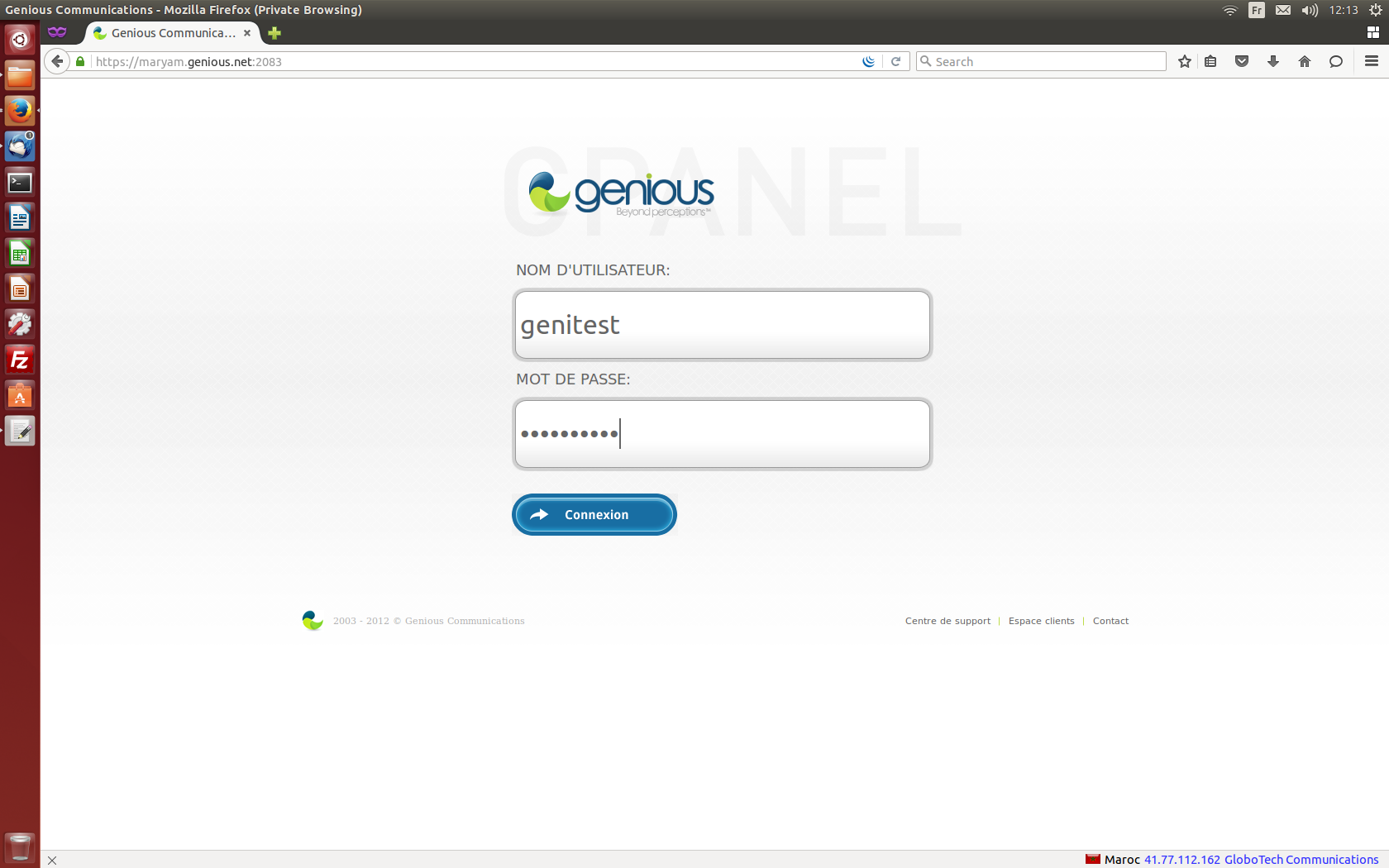
- Connect to your cPanel Interface “http: //www.yourdomainname.ext/cpanel”
- Go to the "FILES" section, then click on "FTP accounts"

- Click on "Add an FTP account" to enter the information on the form, and validate by clicking on "Create an FTP account"

- You can now connect via FTP using this account, and following the steps described in the following guide: https://clients.genious.net/index.php/knowledgebase/30/Comment-se-connecter-en-FTP-via-FileZilla-.html
