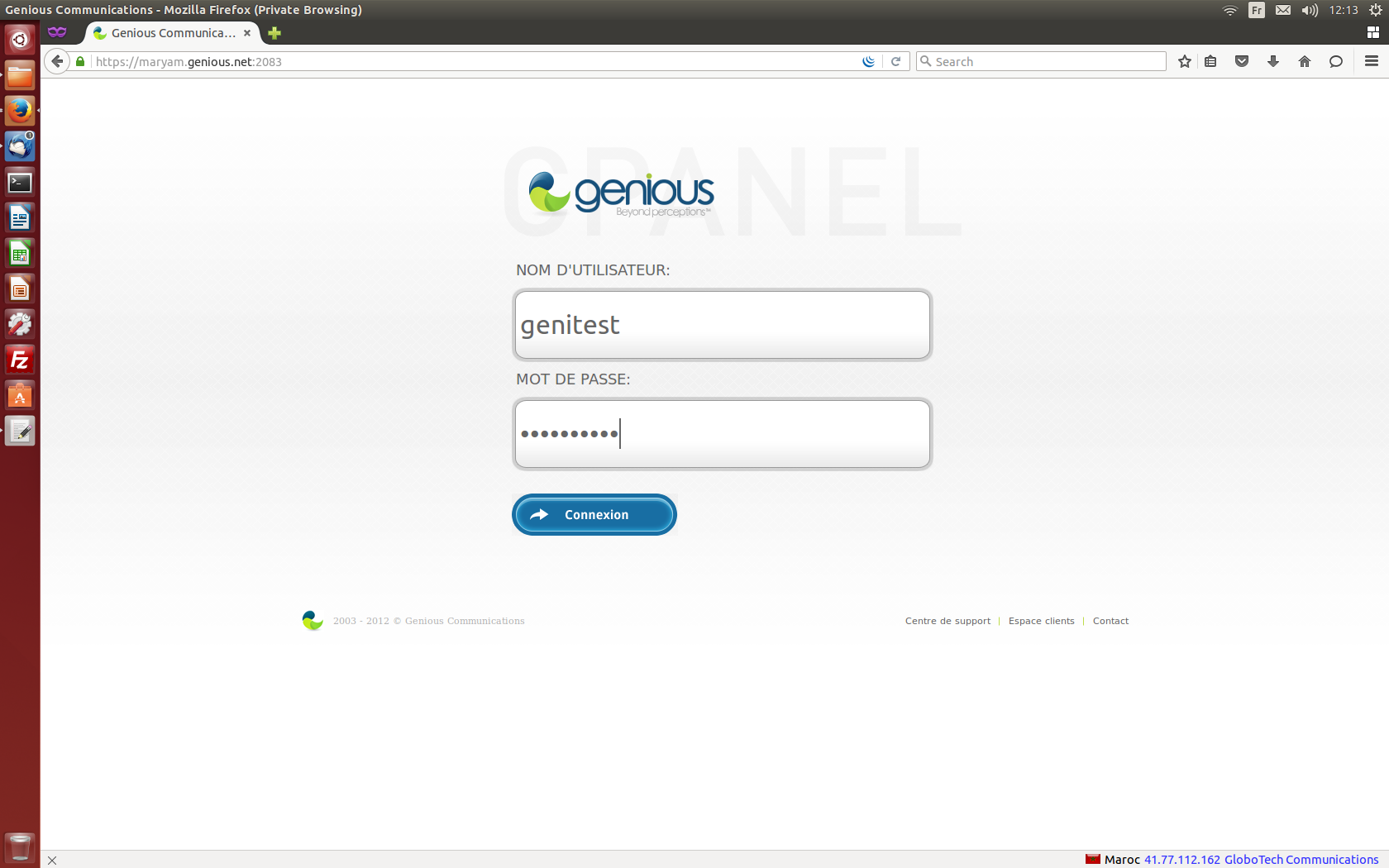
- Connect to your cPanel Interface “http: //www.yourdomainname.ext/cpanel”
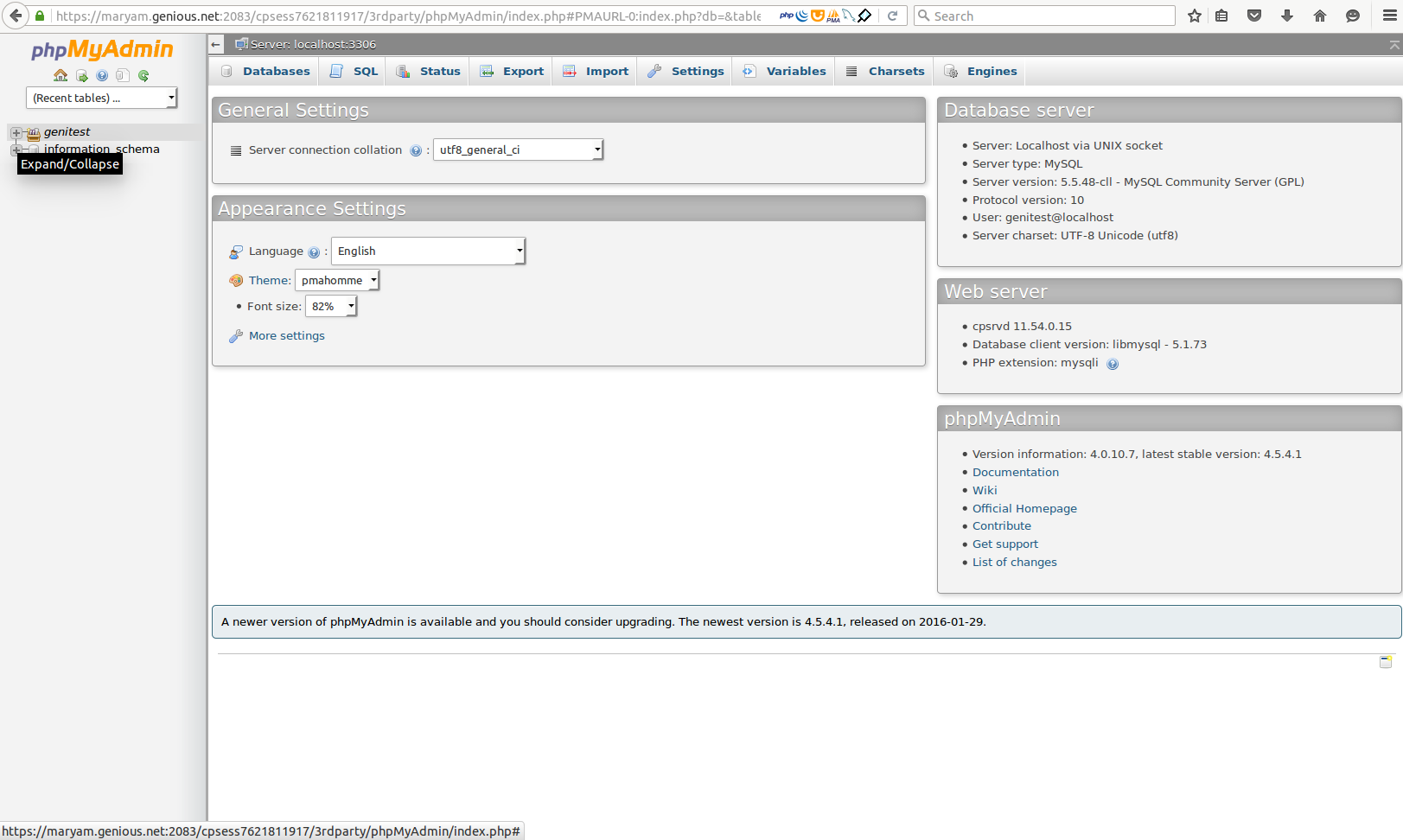
- Go to the "DATABASE" section, then click "phpMyAdmin"
- Display the list of databases by clicking on your username
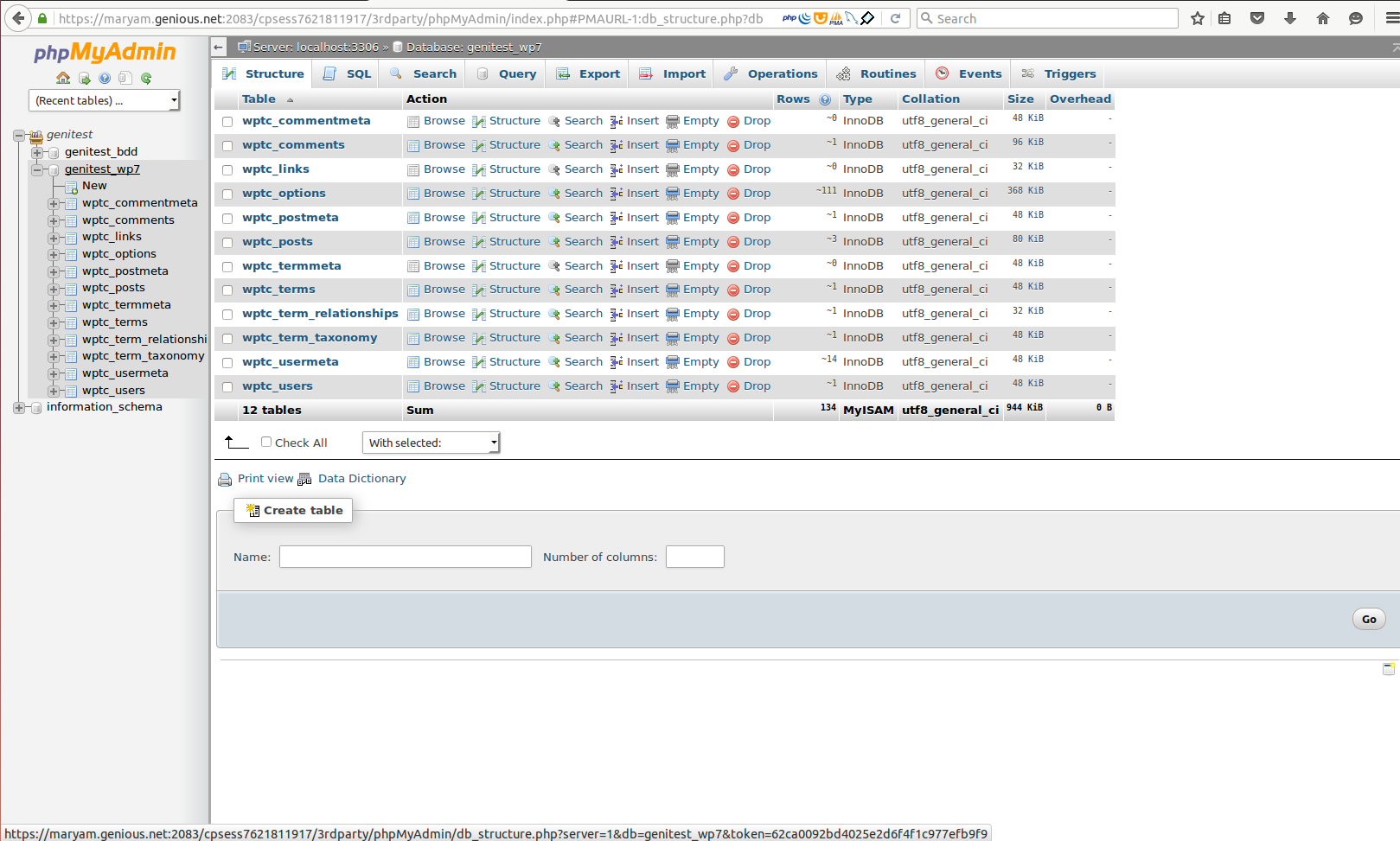
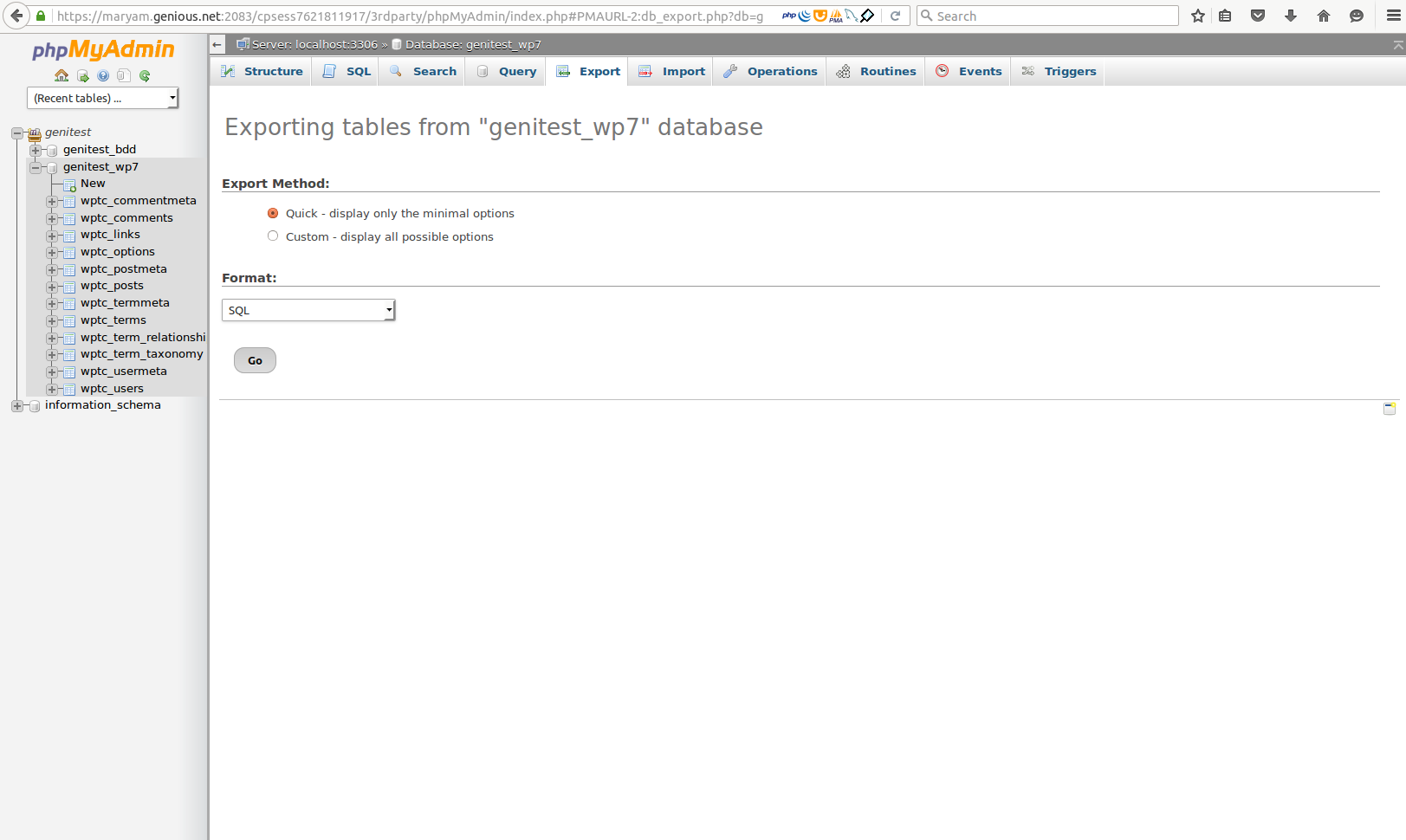
- Select the database to export, then click on "Export"
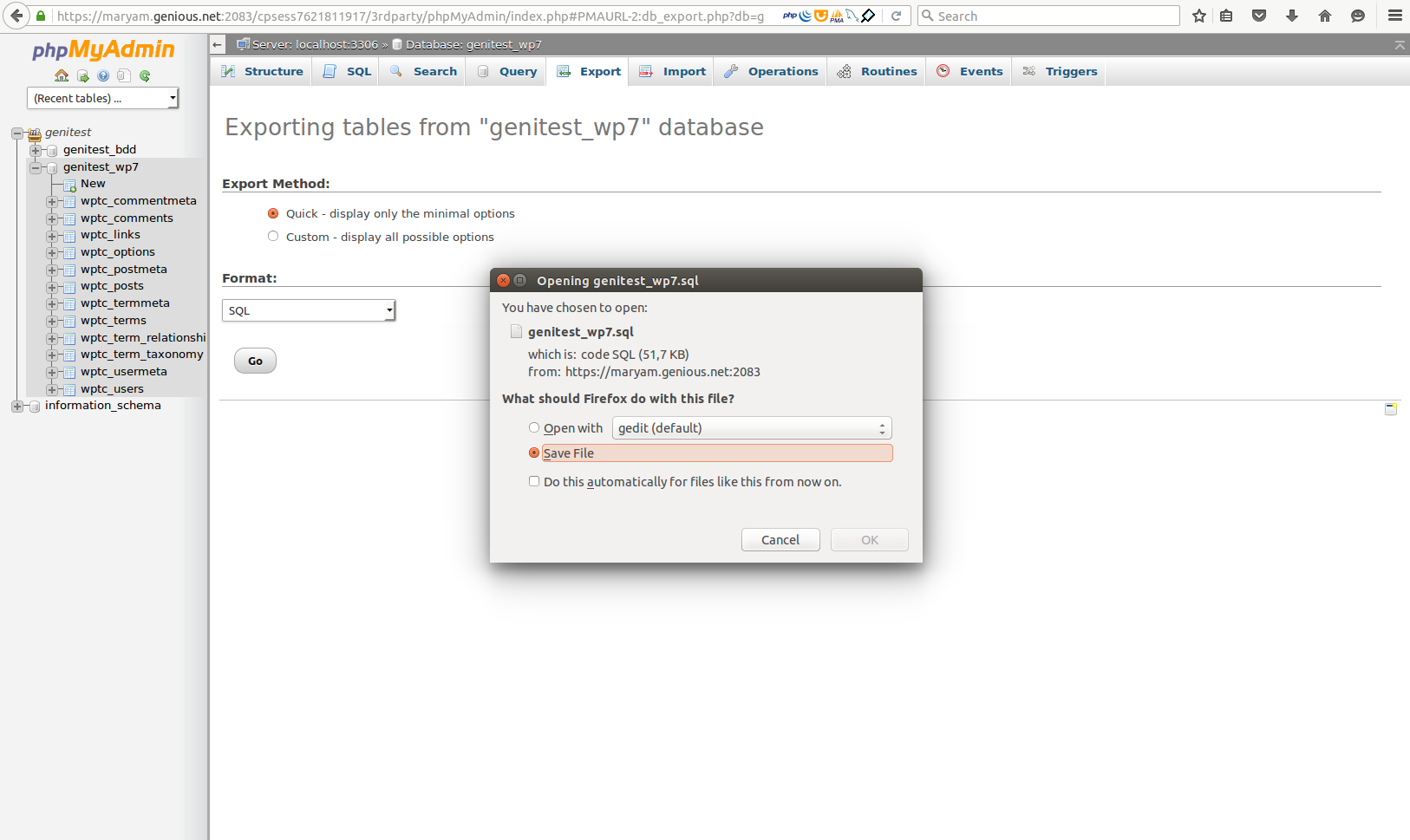
- Choose the format of the exported file, then click on "Go"
- Congratulations, the download is being processed!