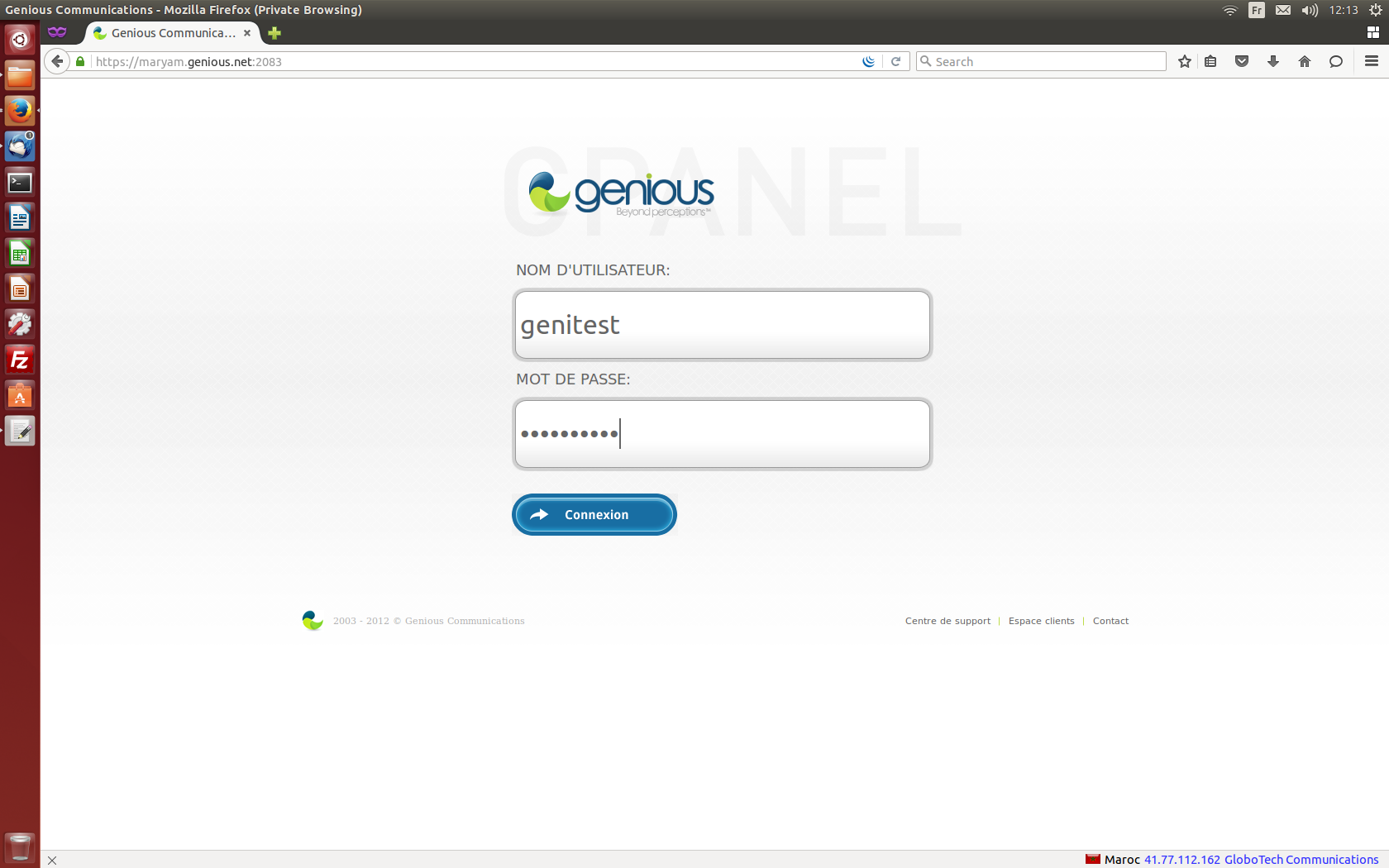
- Connect to your cPanel Interface “http: //www.yourdomainname.ext/cpanel”
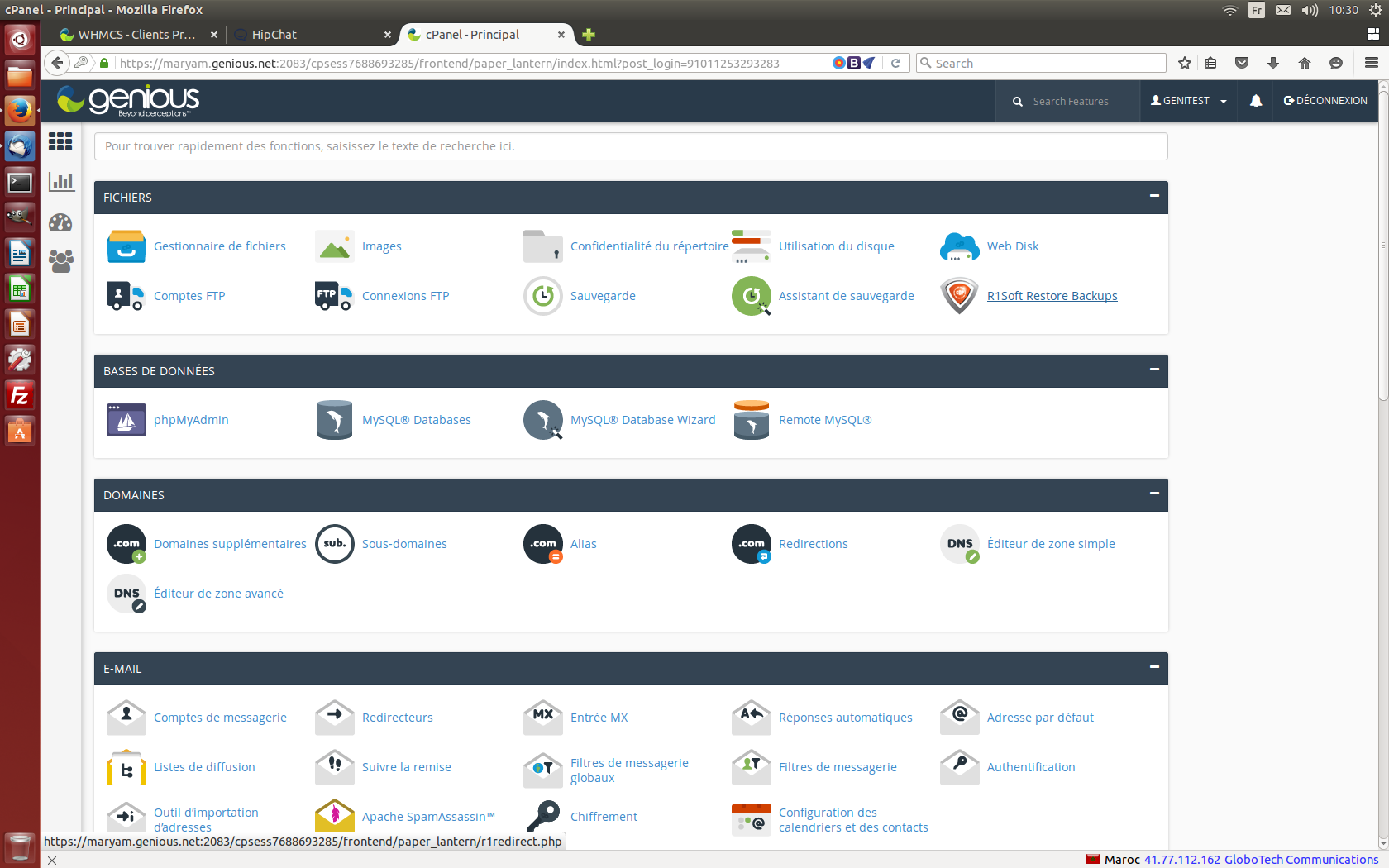
- Go to the "FILES" section, then click on "R1Soft Restore Backups"
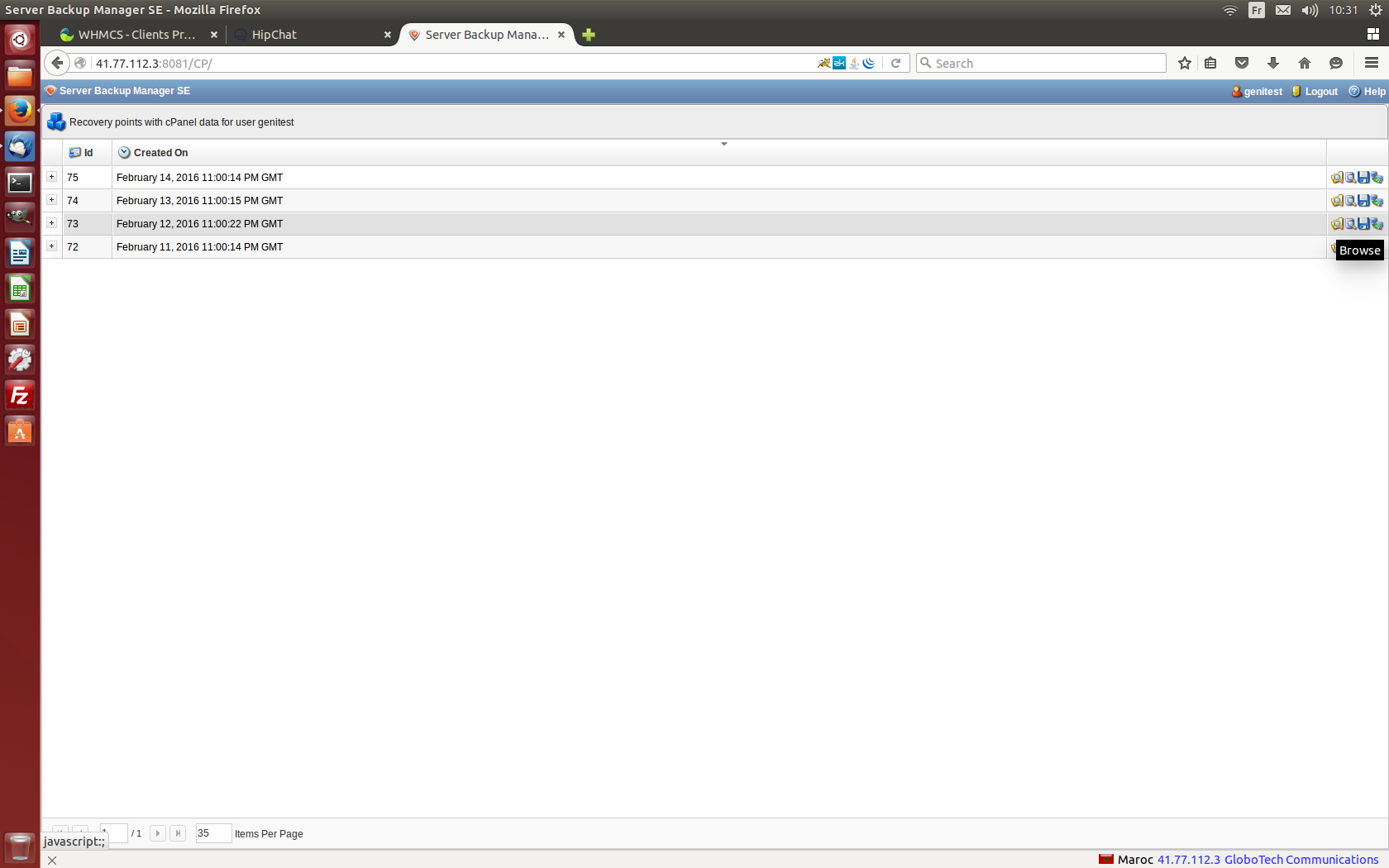
- Click on the "Browse" button corresponding to the date of the desired backup:
- Select the files / folders you want to restore
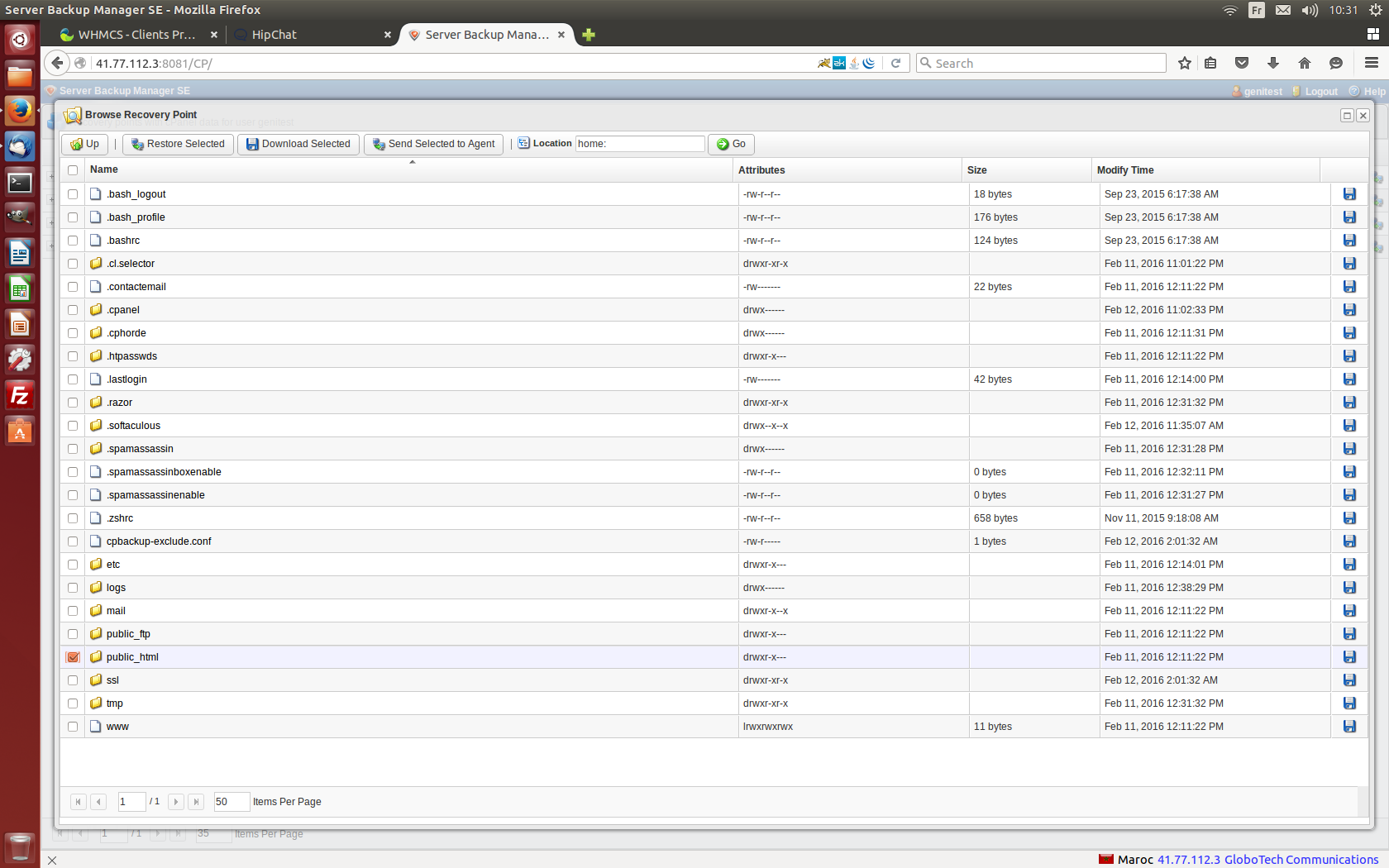
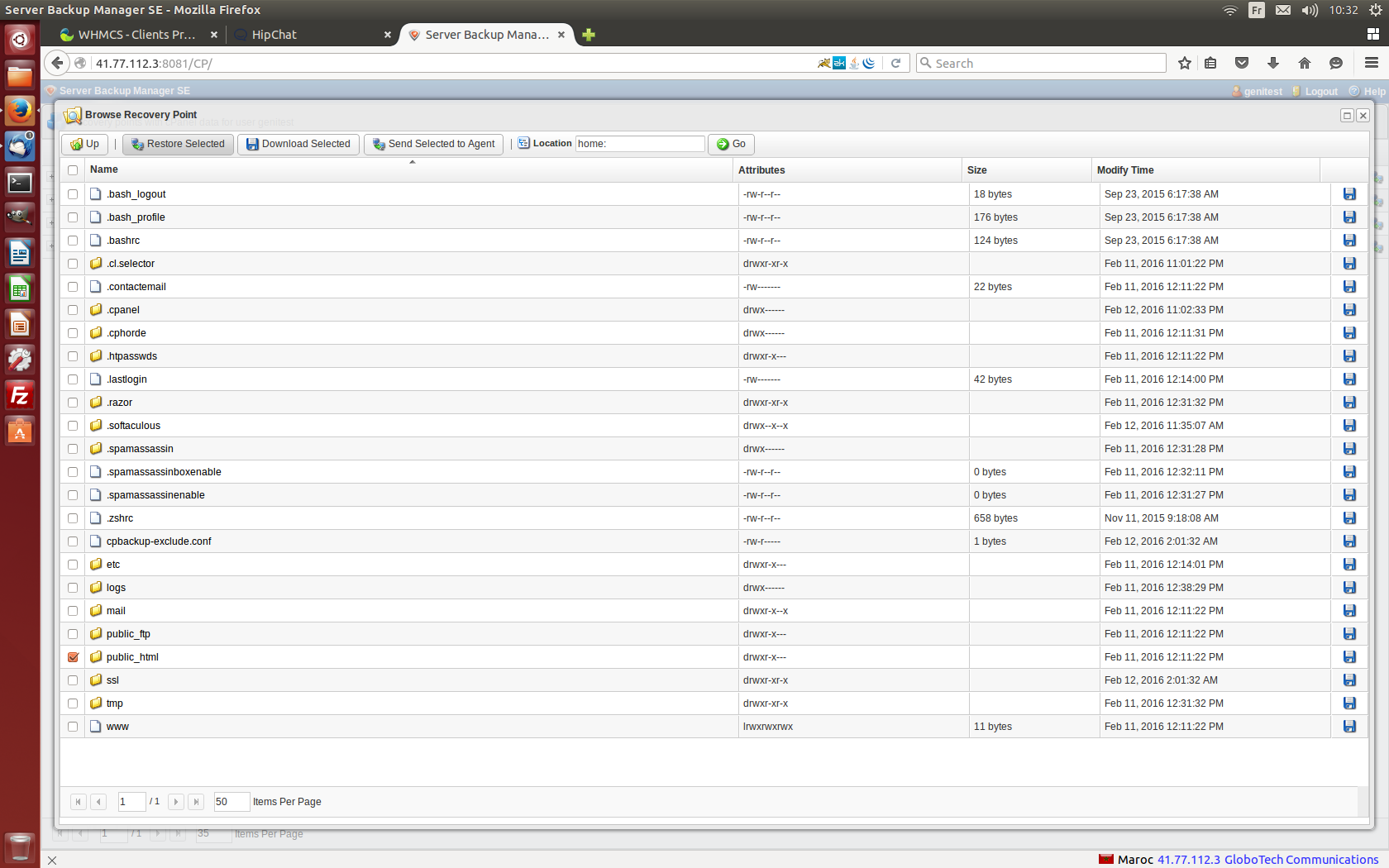
- Click on the "Restore Selected" to start the restoration.
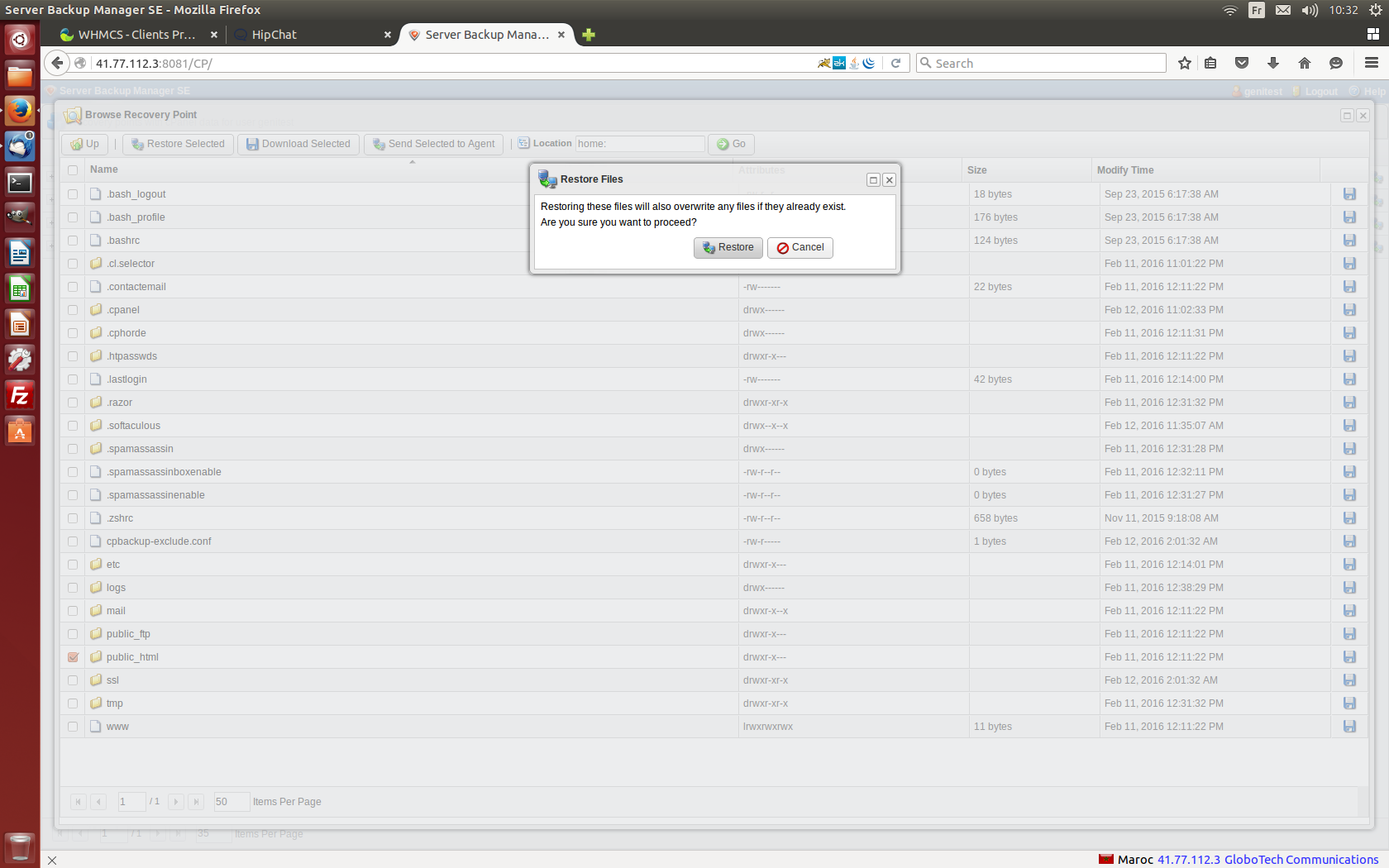
- Click on "Restore" to confirm the replacement of the already existing files.
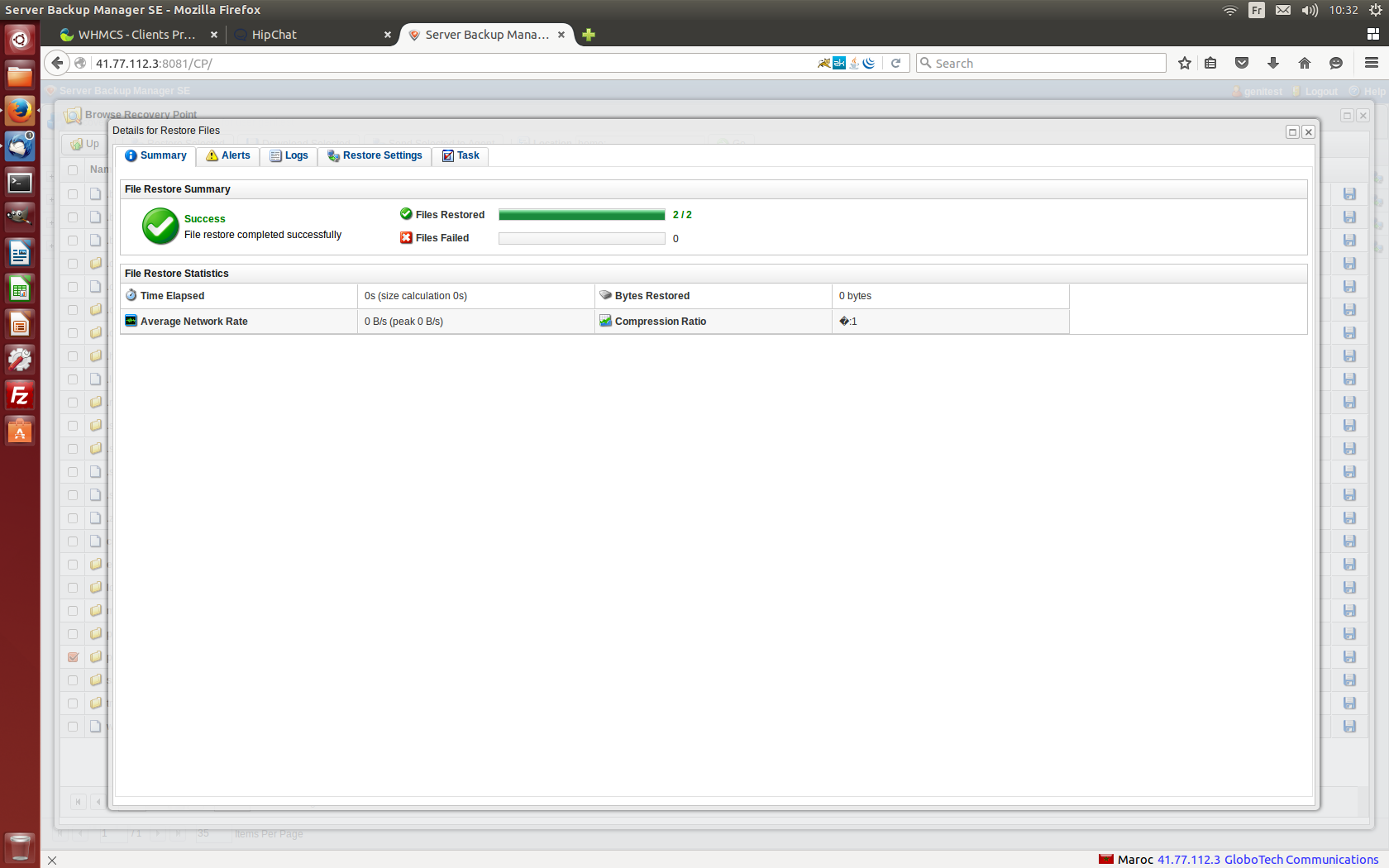
- Congratulations! The backup is successful: