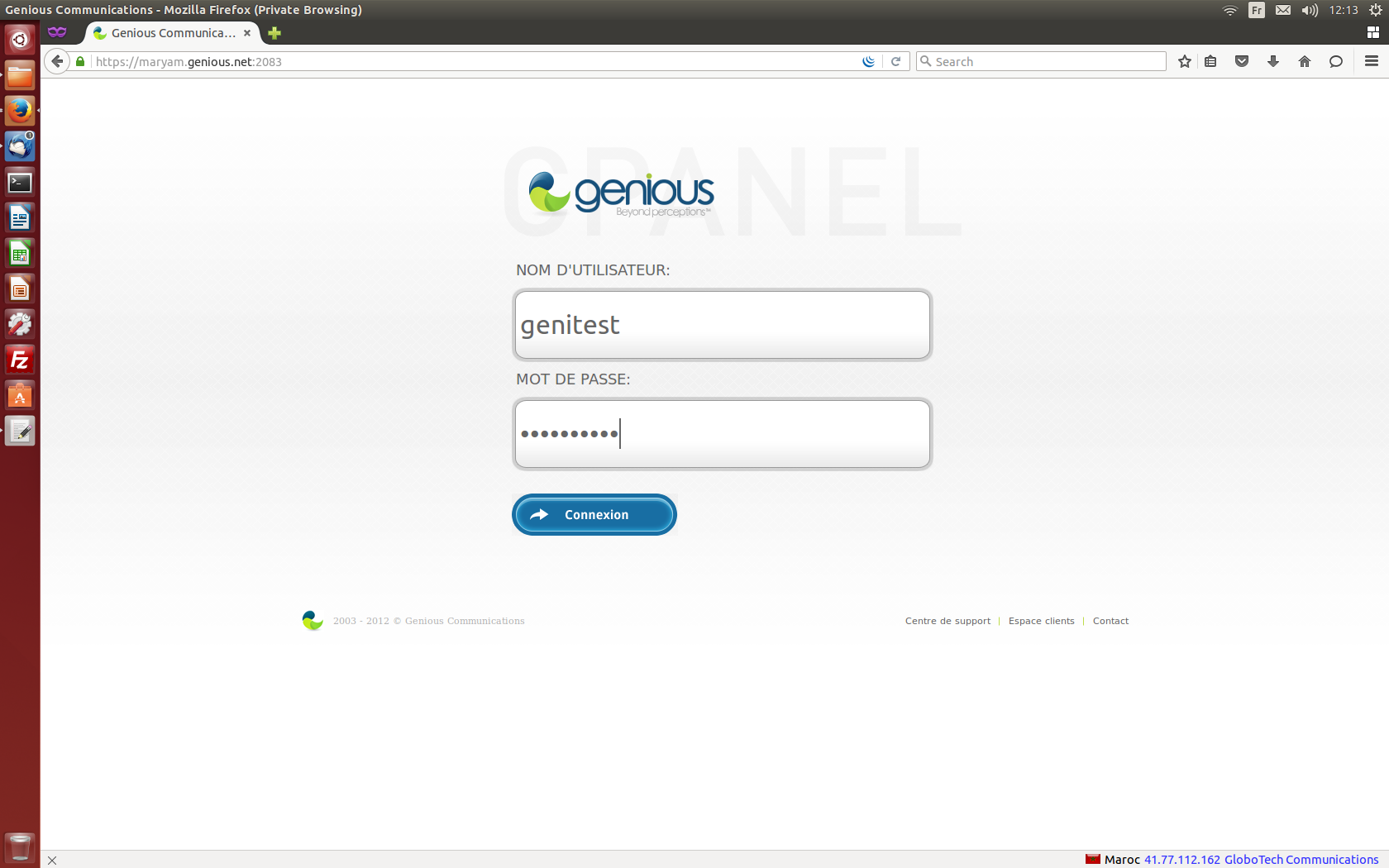
- Connect to your cPanel Interface “http: //www.yourdomainname.ext/cpanel”
- Go to the "DATABASE" section, then click on "MYSQL Database Wizard"

- Enter the name of the database in the "New database" field and confirm by clicking on "Next step"

- Enter the database user name in the "User name" field, the "Password", then click on "Confirm password", and confirm with "Create a user".

- Define the privileges of the user created on the database, then validate by clicking on "Next step"

- Congratulations! You have just created a database with its user.

