•  

    Home

  •  

    Announcements

  •  

    Knowledgebase

  •  

    Network Status

  •  

    Contact Us

English Français
  1. Portal Home
  2. Knowledgebase
  3. cPanel
  4. How to check the use of system resources (CPU / Memory ...)?

Categories

Bases de données
2
SSL Certificate
6
cPanel
23
Domain API
3
ERROR
4
Client area
6
Google Workspace
2
Web hosting
5
Messaging / Mails configuration
15
Domain names
23
Other
5
Webuzo
1

Categories

Tag Cloud

Certificat SSL Blocage d'envoi pièce jointe sur outlook Configurer SSL SSL

Support

My Support Tickets
Announcements
Knowledgebase
Downloads
Network Status
Open Ticket

How to check the use of system resources (CPU / Memory ...)? Print

  • 97

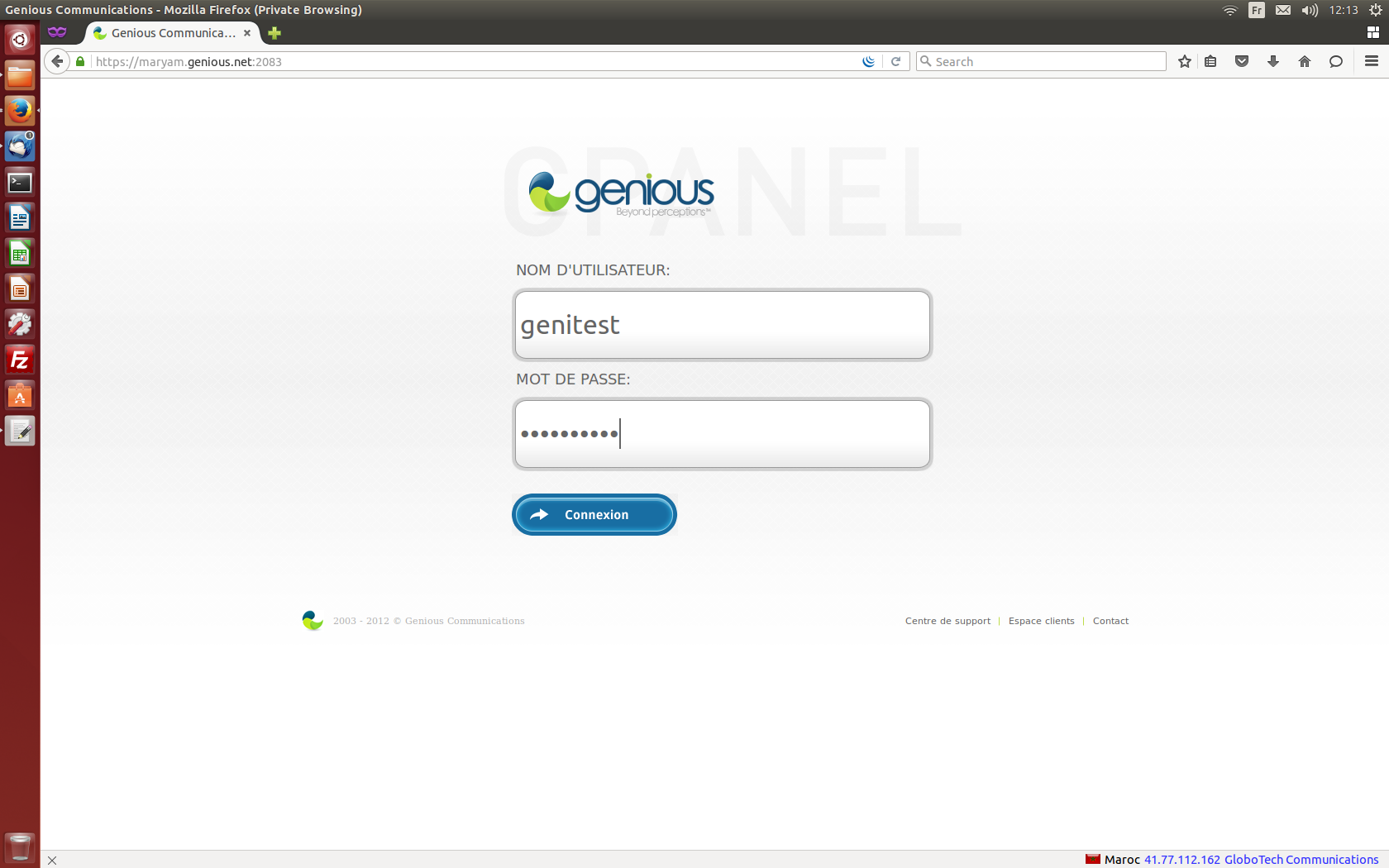
    1.Connect to your cPanel Interface  "http: //www.yourdomainname.ext/cpanel"
  1. Go to the "MEASURES" section, then click on "CPU usage and simultaneous connections"

  1. Click on "Details" to view the description of your account activity

  1. Click on "Delay" to modify the duration and have personalized graphics


Was this answer helpful?

Related Articles

How do I access my statistics from my cPanel with Awstats? Connect to your Cpanel interface “http: //www.yourdomainname.ext/cpanel” 2. Under the... How to activate & configure SpamAssassin? 1-Connect to your cPanel interface "http: //www.yourdomainname.ext/cpanel" 2-Go to the "EMAIL"... How do I activate SPF / DKIM (cPanel) records? Connect to your cPanel Interface “http: //www.yourdomainname.ext/cpanel”     2. Go to the... How to activate a cron with cPanel?     1.Connect to your cPanel interface «http://www.votrenomdedomaine.ext/cpanel » Go to the... How to add a site (domain name) to a cPanel account? It's easy to create a new domain for new sites, if you have a hosting plan that can host multiple...
« Back

Tag Cloud

Certificat SSL Blocage d'envoi pièce jointe sur outlook Configurer SSL SSL

Support

My Support Tickets
Announcements
Knowledgebase
Downloads
Network Status
Open Ticket

Loading...
Loading...

Generate Password

Please enter a number between 8 and 64 for the password length